Do you acknowledge the authors of published content?
Loading last updated info...
Whether you're publishing an article, blog post, technical document, knowledge base article, or other informational content, readers want to know who created it.
Listing one or more authors ensures contributors receive proper acknowledgement for their work. It builds credibility, accountability, and trust, while giving readers a way to learn about the people behind the content and their expertise.
Note: Not every page needs to list an author. Generic pages such as home pages, pricing pages, landing pages, and contact pages are typically owned by the organization rather than an individual.
This guidance is intended for articles, blog posts, technical documentation, knowledge base articles, and other informational content where readers benefit from knowing who wrote it.
Why it matters
Anonymous content can make readers question its accuracy and credibility. Showing the authors benefits everyone involved.
Tip: For public documentation, include each author's photo and link it to their profile or biography.
For readers, it helps them:
- Understand who created the content
- Learn about the authors' experience and expertise
- Contact the right people if they have questions
- Build confidence that the content is accurate and actively maintained
For authors, it:
- Gives credit for their work and expertise
- Helps build their professional reputation
- Makes it easier for others to discover their contributions
- Encourages ownership and accountability for the content
Examples

✅ Figure: Good example - SSW Rules displays the authors at the top of every rule, making it easy to see who created and maintains the content
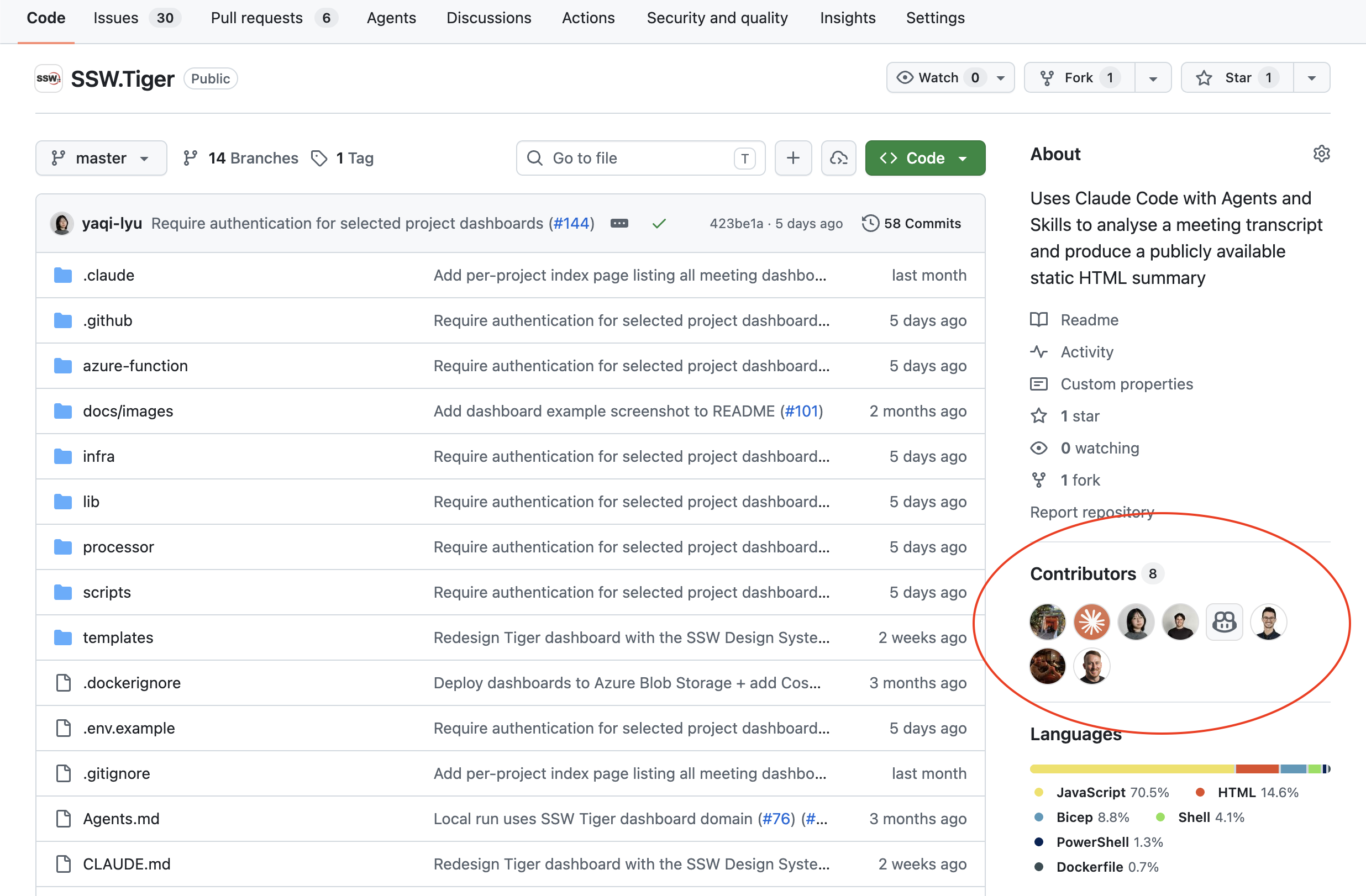
✅ Figure: Good example - Repository contributors provide clear recognition for everyone who has helped build the project
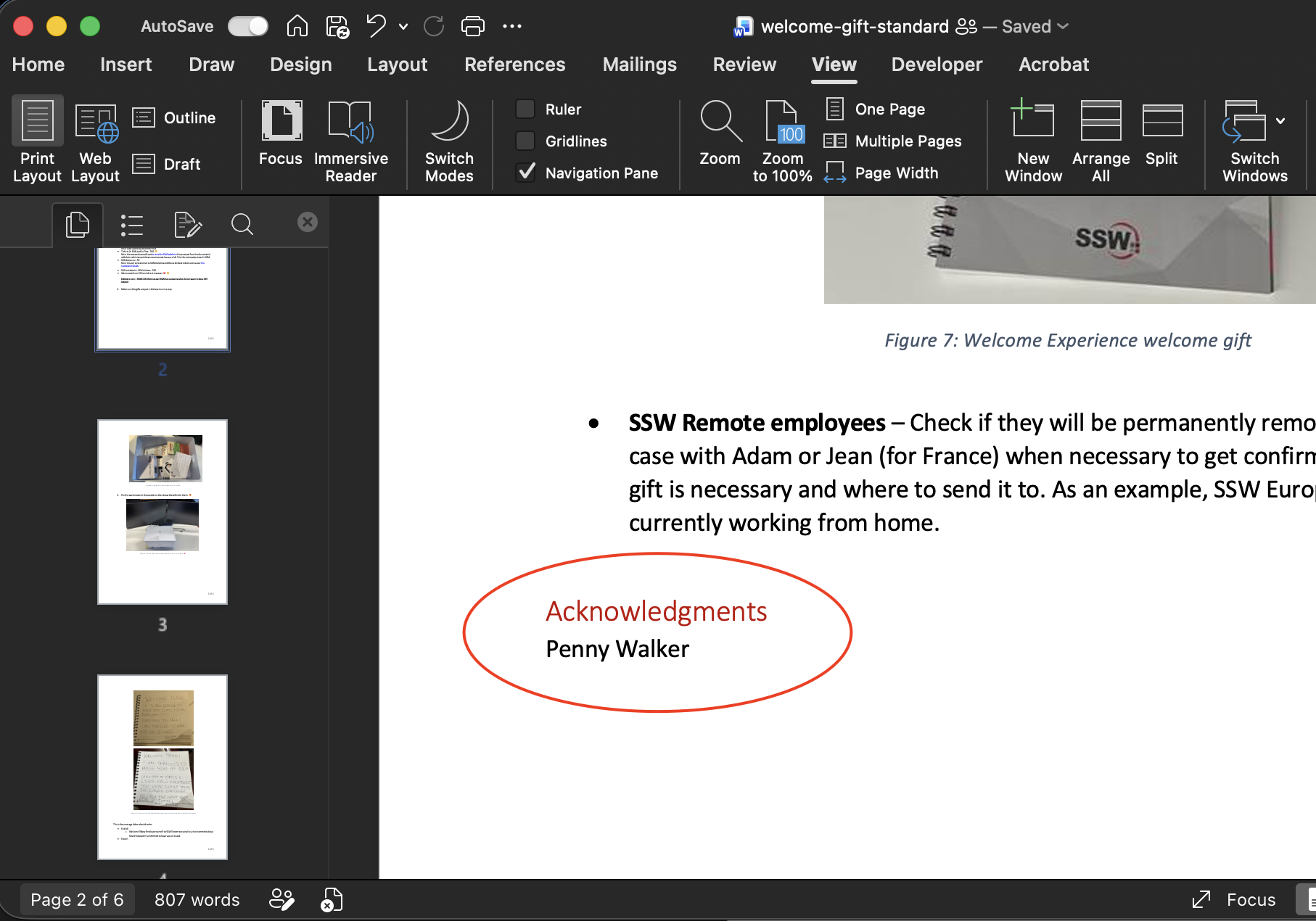
Figure: Add authors to your document so readers know who created and maintains it